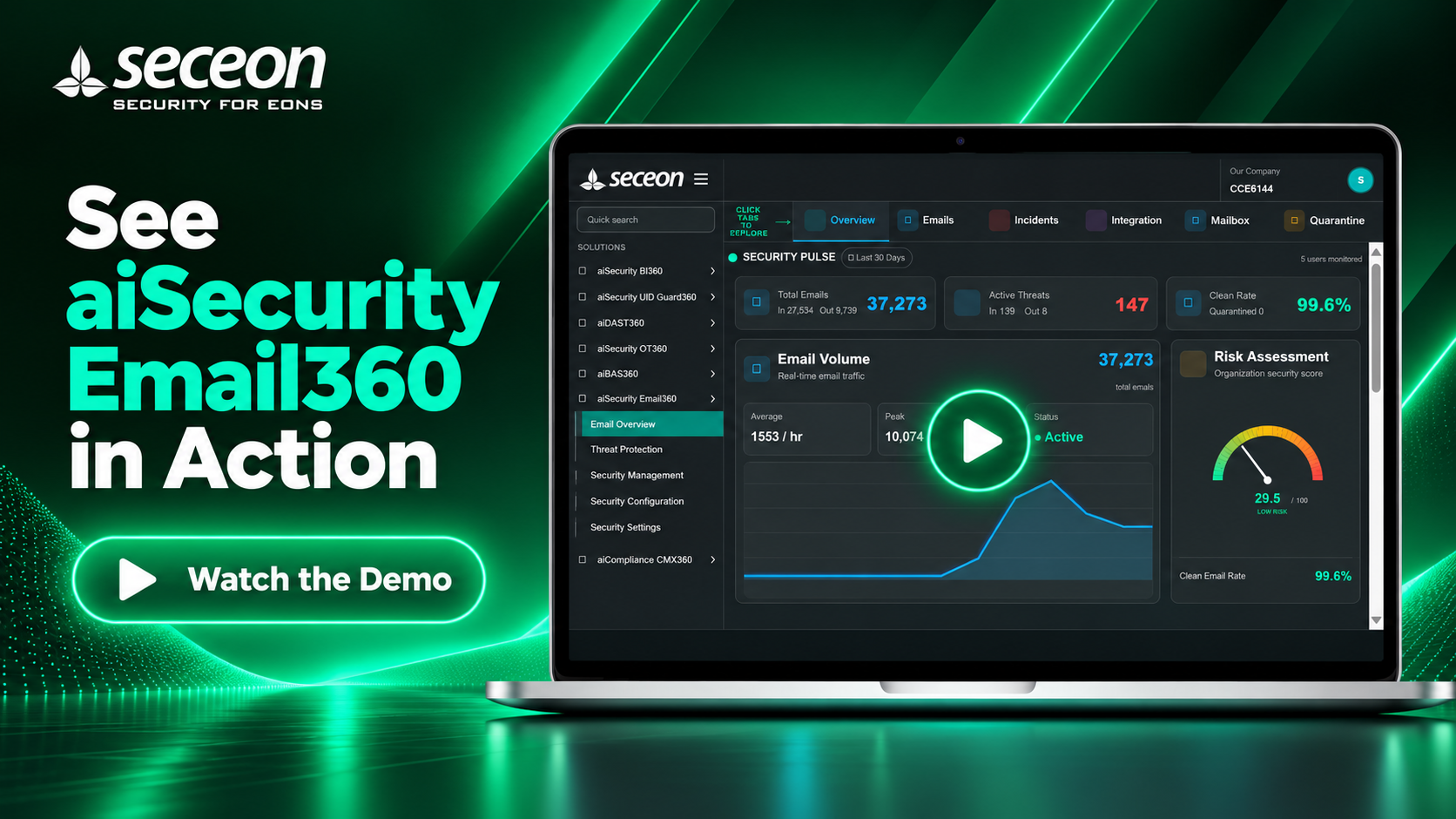
aiSecurity Email360

See your email security In Action.

Explore an interactive Email360 environment and see how AI-driven email security helps security teams detect threats, investigate suspicious activity, protect users and respond faster.

  • Detect phishing, BEC, malware and suspicious email activity.
  • Identify high-risk users and emerging attack patterns.
  • Investigate messages, incidents, integrations and quarantine from one workflow.
  • Turn email telemetry into actionable security visibility for your SOC.
Interactive product walkthrough
Interactive Product Demo Hover on any section or menu item to know more
Our Company CCE6144
S
CYBERSECURITY VIEW

Hover another section to explore it.

The Email Security Blind Spot

Email remains one of the biggest enterprise attack surfaces. Phishing, BEC, malicious links and compromised accounts can quickly turn a single message into a security incident.

aiSecurity Email360 gives security teams visibility into email activity, threats, targeted users and security posture from one unified workflow.

!
Phishing & BEC
Malicious Links
User Risk
Security Posture
Can you see which emails, users and threats need attention?
What aiSecurity Email360 Does for You

What aiSecurity Email360 Does for You

Email Security Visibility

See

Get a unified view of email activity across your organization. Monitor message volume, inbound and outbound traffic, users, threats and overall email security posture.

Complete Email Visibility
Email Threat Detection

Detect

Identify phishing, business email compromise, malicious links, suspicious messages and emerging email threats with AI-driven security analytics.

Detect Threats Earlier
Email Threat Investigation

Investigate

Investigate suspicious emails, incidents, threat indicators and targeted users from a centralized security workflow, giving SOC teams the context needed to act quickly.

Investigate With Context
Email Threat Response

Respond

Move from detection to action with quarantine, threat protection, integrations and security controls that help your team contain email threats before they become larger incidents.

Protect & Respond Faster
How aiSecurity Email360 Works

How aiSecurity Email360 Works

Email360 turns email activity into actionable security intelligence by collecting email telemetry, analyzing threats, correlating risk and connecting the findings to security operations.

STEP 01

Connect

Email360 connects to your email environment and receives the activity required to build a security view of your mail infrastructure.

STEP 02

Collect

Email activity is collected and organized into security telemetry, including messages, users, threats and mailbox activity.

STEP 03

Analyze

AI-driven analytics examine email behavior and threat indicators to identify suspicious activity and potential attacks.

STEP 04

Correlate

Events are correlated to reveal threat patterns, targeted users, incidents and the wider security context behind email activity.

STEP 05

Act

Security teams can investigate threats, manage quarantine and send relevant security events into connected security workflows.

Email Telemetry Email activity provides the underlying security signals used to understand communication patterns, threats and user activity.
Threat Intelligence Suspicious indicators and threat activity are analyzed to help security teams distinguish normal communication from potential attacks.
Security Operations Relevant findings can flow into investigation, quarantine, notification and broader security operations workflows.
Tailored to Your Needs - aiSecurity Email360

Tailored to Your Needs

For MSPs / MSSPs

  • Deliver email security as a managed service.
  • Monitor multiple customer environments from a unified workflow.
  • Identify threats and high-risk users faster.

For CISOs & Executives

  • Gain organization-wide visibility into email security.
  • Understand threat exposure and user risk.
  • Demonstrate security posture to leadership and auditors.

For Security Teams / SOC

  • Detect phishing, BEC and suspicious email activity.
  • Investigate threats, incidents and targeted users.
  • Quarantine and respond through connected security workflows.
Email360 Differentiation Section

Why aiSecurity Email360 Is Different?


Traditional Approaches (Before)

  • Limited visibility into organization-wide email activity.
  • Email threats and incidents can remain scattered across multiple security tools.
  • Identifying targeted users and high-risk email activity can be difficult.
  • Phishing, BEC and malicious email activity can be difficult to prioritize.
  • Security teams may lack a unified view of email security posture.
  • Investigation and response workflows can remain disconnected.

aiSecurity Email360 (Now)

  • Unified visibility into email activity, threats, users and security posture.
  • Centralized view of suspicious messages, incidents and email security events.
  • Identifies targeted users and highlights where email risk is concentrated.
  • Helps detect and prioritize phishing, BEC, malicious links and suspicious activity.
  • Provides security teams with contextual intelligence for faster investigation.
  • Connects investigation, quarantine, notifications and broader security workflows.
Seceon aiSIEM-CGuard

24/7 Access to Seceon’s Cybersecurity Experts - Because Threats Don’t Wait

Do These Persistent Issues Impact Your Day-to-Day Operations?
  • Large number of failed logins from single/multiple IPs, internal or external, against a single/multiple usernames.
  • Failed logins from new geo locations or a new user device.
  • Large number of account lockouts.
  • High cost of integration, support and maintenance.

    Seceon Inc