aiTRiSM360

See AI security In Action.

Explore an interactive aiTRiSM360 environment and see how organizations discover AI usage, map AI traffic, monitor AI tools and enforce governance policies across users, applications and endpoints.


  • Discover AI activity across browsers, extensions and desktop AI applications.
  • Map AI traffic, applications, hosts and network activity across the environment.
  • Detect sensitive uploads, clipboard activity, AI sessions and prompt security risks.
  • Create policies to classify approved AI, Shadow AI and policy violations.
Interactive product walkthrough
Interactive Product Demo Hover on any section or menu item to know more
☰
Our Company CCE6144
S
AI SECURITY VIEW

Hover another section to explore it.
EMPLOYEE ACTIVITY
AI TOOLS
SENSITIVE DATA
RISK ANALYSIS
TRUST & GOVERNANCE
AI USAGE
ChatGPT
Claude
Copilot
Gemini
+ Others
⚠   Sensitive Data Detected
Files
Documents
Credentials
PII
GOVERNANCE ACTIVE
AI TELEMETRY ACTIVE TRUST ENGINE RISK ANALYSIS GOVERNANCE ACTIVE

The Enterprise AI Blind Spot

Generative AI is transforming productivity, but it also introduces new security risks. Employees can upload sensitive files, share confidential information, and use AI tools outside organizational policies.

aiTRiSM360 gives security teams visibility into enterprise AI usage, sensitive data exposure, AI security risks, and governance posture from one unified platform.

!
Shadow AI
↗
Data Exposure
◉
AI Security Risks
✓
AI Governance
Can you see how AI is being used across your organization?
How Seceon tools Works

What aiTRiSM360 Does for You


AI Activity Monitoring Icon

Monitor

  • The aiTRiSM360 endpoint agent continuously observes AI activity across browser tabs, extensions, desktop AI applications, and AI APIs, capturing uploads, clipboard events, and sessions.
AI Risk Detection Icon

Analyze

  • Using patented AI and ML analytics, aiTRiSM360 identifies risky interactions such as prompt injection, jailbreak attempts, and data exfiltration, enriching every event with context and mapping it to MITRE ATT&CK techniques.
AI Governance Icon

Govern


  • Security teams get prioritized insights, executive dashboards, and risk scores. Integrated with Seceon aiXDR and OTM, aiTRiSM360 helps enforce AI policies and continuously improve enterprise governance.

How aiTRiSM360 Works

How aiTRiSM360 Works

aiTRiSM360 continuously discovers AI activity, monitors interactions, analyzes security risk and helps organizations govern AI usage across users, endpoints and applications.

STEP 01

Discover

aiTRiSM360 identifies AI applications and services being used across browsers, desktop applications, endpoints and AI environments.

STEP 02

Monitor

The endpoint agent continuously observes AI activity, including sessions, file uploads, clipboard activity, prompts and AI application interactions.

STEP 03

Analyze

AI and ML analytics examine activity for sensitive data exposure, prompt injection, jailbreak attempts, data exfiltration and other security risks.

STEP 04

Govern

Events are enriched with context, risk scores and security classifications to support AI policies, governance and enterprise-wide visibility.

STEP 05

Respond

Security teams investigate prioritized risks and connect relevant findings with Seceon aiXDR and OTM for broader security operations.

AI Activity Telemetry AI usage is continuously observed across endpoints, browsers, desktop applications and AI services, creating visibility into how AI is being used.
AI Risk Intelligence AI and ML analytics correlate activity and identify risky behavior including sensitive data exposure, prompt attacks, jailbreaks and potential exfiltration.
AI Governance & Response Risk findings are prioritized and surfaced through dashboards and security workflows, supporting governance and integration with Seceon security operations.
Tailored to Your Needs - aiTRiSM360

Tailored to Your Needs

◈

For MSPs / MSSPs

  • Deliver AI governance as a managed security service.
  • Help customers adopt generative AI securely.
  • Create recurring value through continuous AI risk monitoring.
◉

For CISOs & Executives

  • Gain enterprise-wide visibility into AI adoption.
  • Demonstrate AI governance to boards and auditors.
  • Reduce regulatory, privacy and AI-related security risks.
⌁

For Security Teams / SOC

  • Detect AI-related threats and risky activity in real time.
  • Monitor AI sessions, file uploads and clipboard activity.
  • Enforce AI security policies without disrupting productivity.
Why aiTRiSM360 Is Different
THE aiTRiSM360 DIFFERENCE

AI Activity In. AI Security Visibility Out.

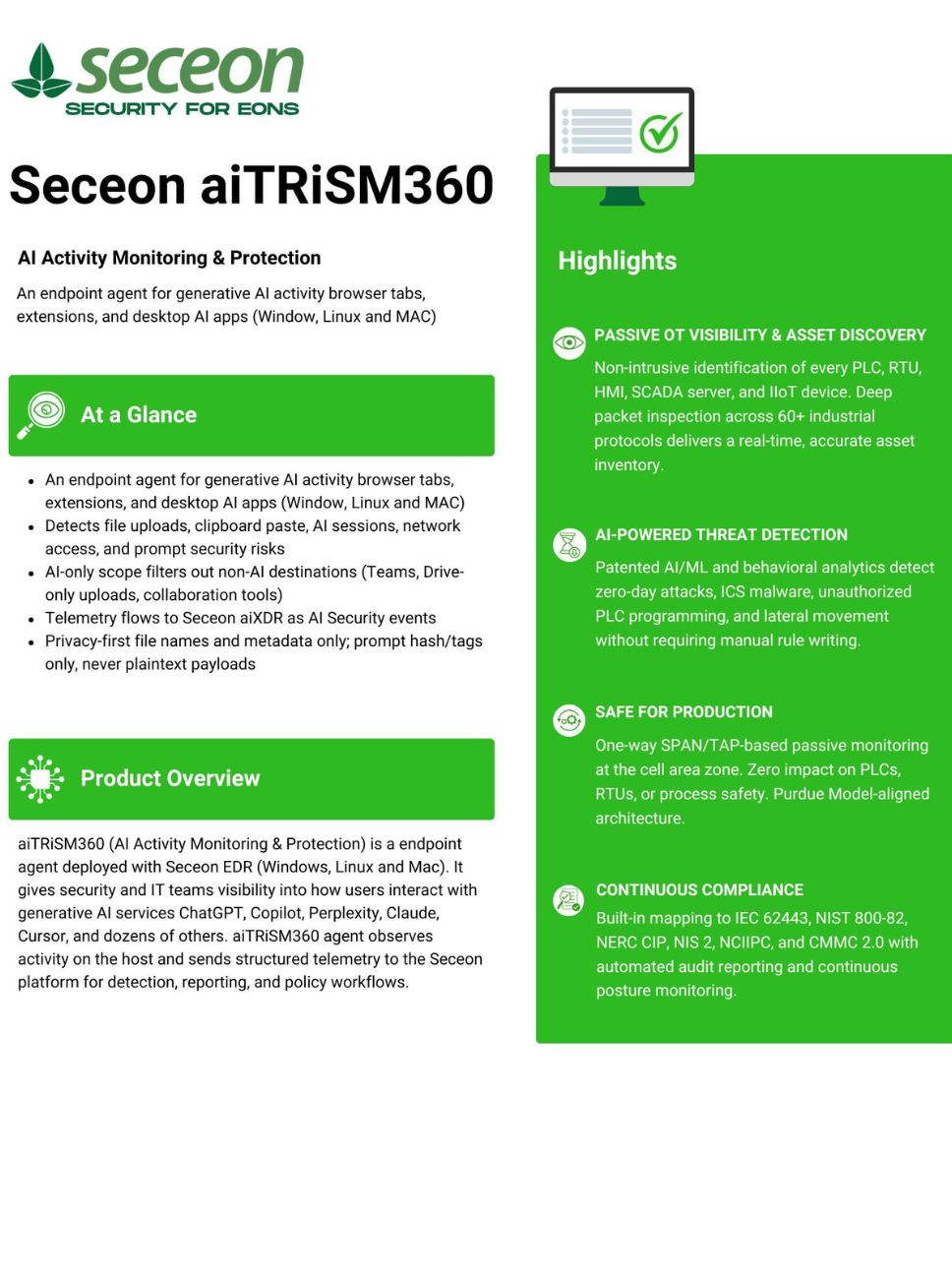
aiTRiSM360 is an endpoint agent for AI Activity Monitoring & Protection, giving security and IT teams visibility into how users interact with generative AI services across browsers, extensions and desktop AI applications.

AI Visibility Gaps
aiTRiSM360 AI Security Engine
AI Security Outcomes

Limited AI Visibility

Organizations lack visibility into when employees use generative AI services and how those services are being accessed.

AI Activity Is Fragmented

AI usage is spread across browser tabs, browser extensions and desktop AI applications, making activity difficult to monitor consistently.

Sensitive Data Exposure

Employees may upload files or paste sensitive data into AI services without security teams having visibility into the activity.

Prompt Security Blind Spots

Prompt injection, jailbreak, extraction, coercion, obfuscation and authority-impersonation attempts can remain difficult to identify.

Active AI Security Monitoring

aiTRiSM360

AI Activity Monitoring
& Protection

AI Session Tracking
File Upload Detection
Clipboard Activity
Network AI Detection
Prompt Security Detection

AI Activity Discovery

Provides visibility into AI usage across users, endpoints, browser tabs, browser extensions and desktop AI applications.

Upload & Session Monitoring

Detects file uploads, drag-and-drop activity, AI sessions and clipboard data across AI surfaces.

Prompt Security Detection

Identifies prompt injection, jailbreak, system prompt extraction, data exfiltration, coercion, obfuscation and authority impersonation attempts.

Privacy-First Telemetry

Sends structured security telemetry to Seceon aiXDR while using file metadata, clipboard format and security tags rather than plaintext payloads.

Customer Success Stories - Video Gallery

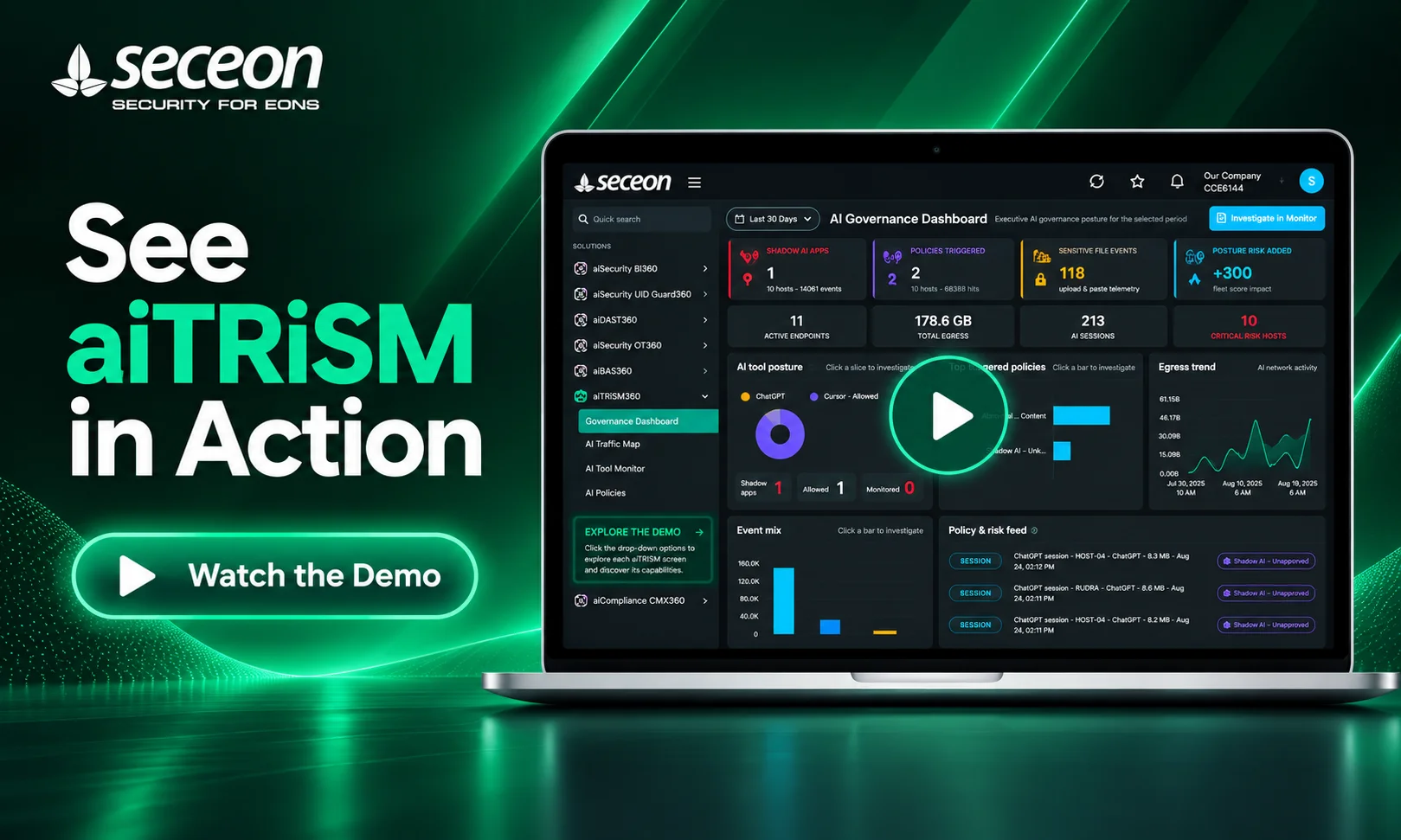
See aiTRiSM360 in Action

Watch aiTRiSM360 discover AI usage, identify risky activity, and turn AI visibility into actionable security and governance.
Seceon Solutions
Seceon aiTRiSM360 Datasheet

Discover More with Our Datasheet

Explore how Seceon aiTRiSM360 provides AI Activity Monitoring & Protection across browsers, browser extensions, desktop AI applications, and enterprise endpoints.

Discover how aiTRiSM360 detects AI activity, file uploads, clipboard activity, AI sessions, and prompt security risks while maintaining a privacy-first approach to telemetry.

Frequently Asked Questions

Get clear answers about how Seceon aiTRiSM360 monitors AI activity, detects AI security risks, protects sensitive information, and provides visibility across AI applications.

What is Seceon aiTRiSM360 and how does it monitor AI activity?

Seceon aiTRiSM360 is an endpoint agent for monitoring generative AI activity across browser tabs, browser extensions, and desktop AI applications on Windows, Linux, and Mac. It observes AI-related activity on the host and sends structured telemetry to the Seceon platform for detection, reporting, and policy workflows.

What AI security activities can aiTRiSM360 detect?

aiTRiSM360 can detect activities including file uploads to AI services, drag-and-drop uploads, clipboard paste to AI applications, AI session activity, prompt submissions, and network connections to known AI API hosts. It also detects AI browser extensions and supports detection of prompt injection and jailbreak activity.

Which AI applications and services does Seceon aiTRiSM360 support?

aiTRiSM360 provides visibility across a range of AI destinations, including ChatGPT, Gemini, Claude, Perplexity, Copilot, GitHub Copilot, Cursor, Windsurf, Midjourney, Ollama, LM Studio, and other supported AI services and applications. It can identify AI activity through browser context, browser extensions, desktop applications, and network activity.

Can aiTRiSM360 detect prompt injection and AI jailbreak attempts?

Yes. aiTRiSM360 includes prompt security detection for activities such as prompt injection, jailbreak attempts, system prompt extraction, data exfiltration prompts, prompt coercion, obfuscated prompts, and authority impersonation. These detections use security tags associated with the observed AI activity.

How does aiTRiSM360 protect user privacy and sensitive AI activity?

aiTRiSM360 follows a privacy-first data-minimization approach. It records file names and metadata rather than file contents, and captures clipboard format and size rather than clipboard text or images. Prompt metadata such as length and hash can be collected, while prompt plaintext is not collected by default. Prompt security tags are used without collecting the underlying prompt text.

How does aiTRiSM360 provide AI security visibility to the Seceon platform?

aiTRiSM360 sends structured AI activity telemetry to the Seceon platform as AI Security events. The telemetry can include activity such as AI sessions, file uploads, clipboard events, network access, and prompt security tags, allowing the platform to use this information for detection, reporting, and policy workflows.

Seceon aiSIEM-CGuard

24/7 Access to Seceon’s Cybersecurity Experts - Because Threats Don’t Wait

Do These Persistent Issues Impact Your Day-to-Day Operations?
  • Large number of failed logins from single/multiple IPs, internal or external, against a single/multiple usernames.
  • Failed logins from new geo locations or a new user device.
  • Large number of account lockouts.
  • High cost of integration, support and maintenance.

    Seceon Inc